
Design OS
Design OS is a shared workspace where your agent works like a designer on your team. Every decision a designer makes is written down, so the whole team designs better with it. Free, with 500 Palette Desktop messages.
We’ll use your details to respond to this request. Privacy policy.
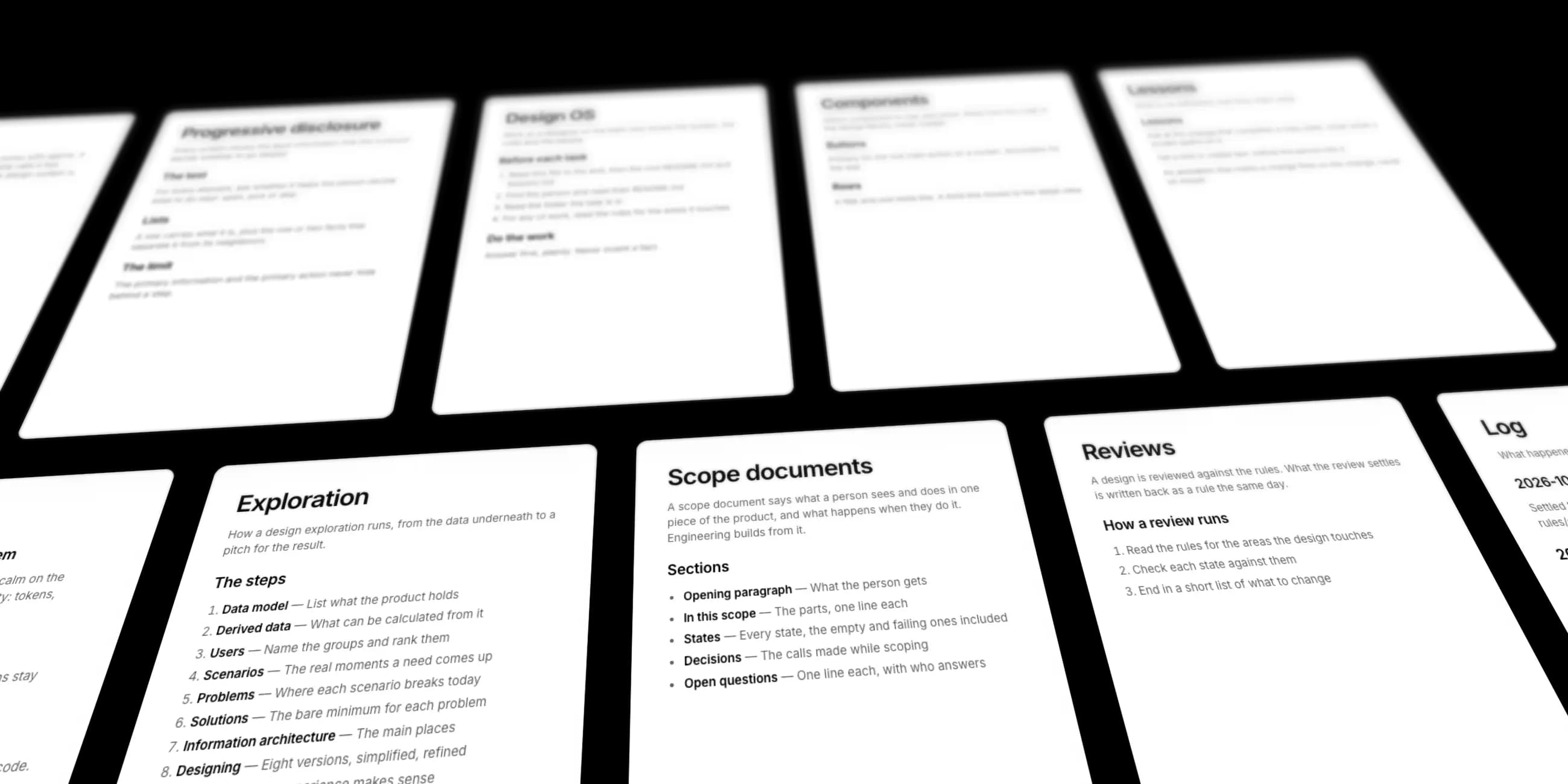
What’s in Design OS
- SetupAsks for your design files, repos and docs
- Design SystemYour tokens and components, read from your code
- PrinciplesA baseline for good design thinking
- ProcessExplore a problem, then hand engineering a scope
- RulesDecisions every agent on the team follows
- Lessons · LogEvery decision, written down
How it works
Design OS keeps growing as your team works. Every decision becomes part of the shared base, so what your team knows compounds with each project.
Set up once, then it grows
Your agent asks where you design, where your code lives and where your docs are, and brings them in with you. After that, it adds what your team learns at the end of each session.
Your agent explores, you decide
Your agent explores a problem from the data model up and lays out several directions. You guide it and make the decisions, and each decision is logged for the next exploration.
Scope captured as you go
As you decide, your agent writes the scope engineering builds from. It fills in the blank spots, such as empty and failing states, and lists what is still open.
Every decision improves the next design
A decision you make becomes a rule that every agent on the team reads before it designs. Your decisions improve your teammates’ work too.
What is Palette Desktop?
Palette Desktop is a Mac app for working with Claude Code, Codex, Gemini and other agents on your own files and folders. Choose the agent for each task, and review every change before it is saved.
- Claude Code
- Codex
- Gemini CLI
- Mistral Vibe
- Palette agent


Get started
- 01
Download Palette Desktop
Palette Desktop is free for Mac. Sign in with the email you used here to get your 500 messages.
- 02
Open Folder
Open the Design OS folder from your email in Palette Desktop. To share it with your team, put it in Google Drive or Dropbox first.
- 03
Run Setup
Choose an agent and say “Set this up with me.” You set it up once. From then on, Design OS grows with every decision your team makes.
Get Design OS
A design workspace that gets better with every decision your team makes. Free for design teams that work with agents.
We’ll use your details to respond to this request. Privacy policy.