


Mistral, file editing, and a redesigned workspace
First update since launch: pick Mistral's Vibe agent as a provider, manage files hands-on, sign in to your Palette account, plus a stack of workspace polish.
Last updated
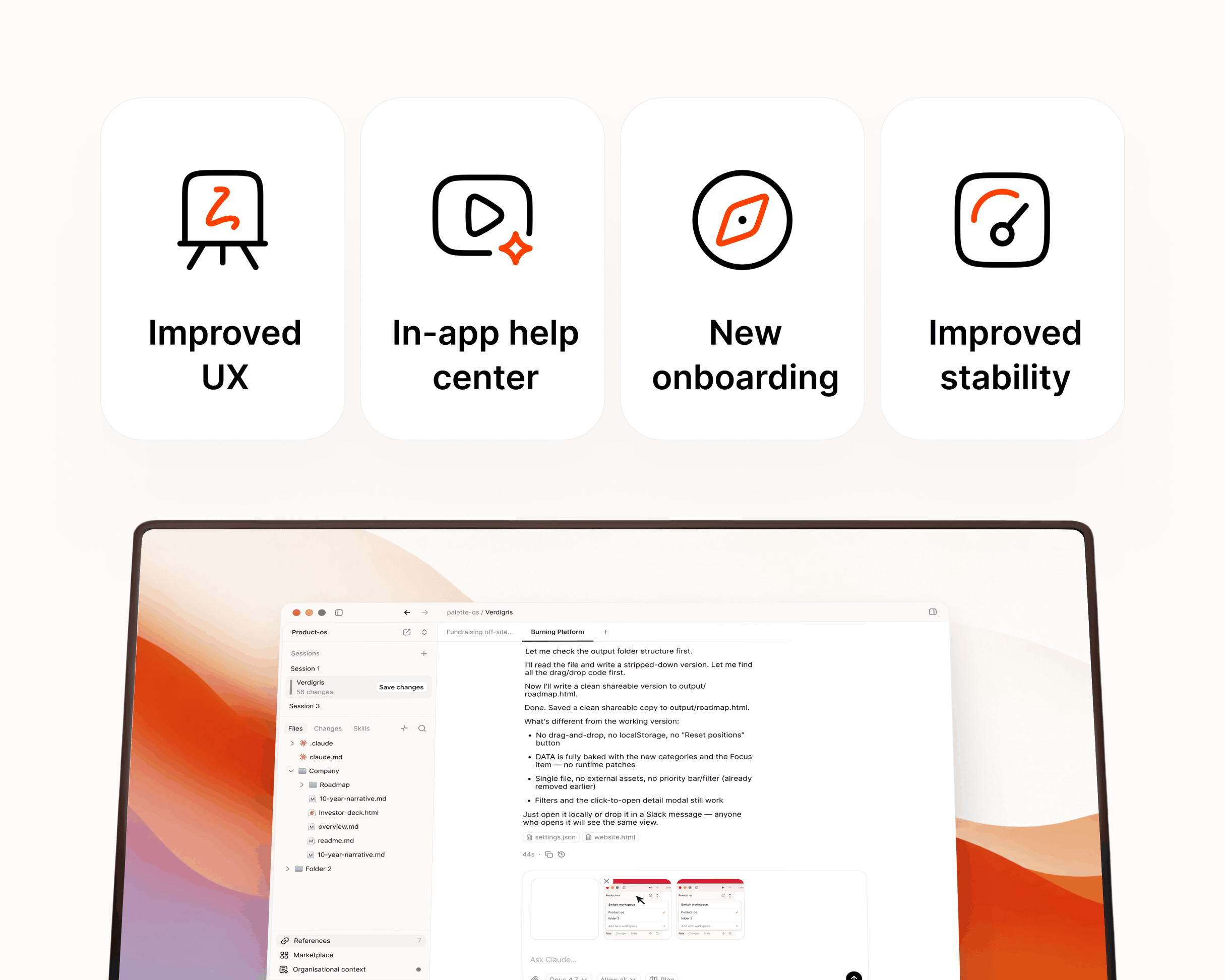
First update to Palette Desktop since launch, and it has quite a lot in it. You can now pick Mistral's Vibe agent as a provider, manage files hands-on right in the Files area, and sign in to your Palette account from the app. On top of that, there's a stack of polish across the workspace shaped by what early users have been telling us. Thank you for the notes — keep them coming.
New
- Mistral Vibe provider — pick Mistral's Vibe agent alongside your existing providers.
- Your Palette account — sign in to set up your account and organization, and see your profile right in the app.
- Files area actions — right-click to delete, rename, or create folders, drag files to move them, and drag in from Finder to copy them into your workspace.
- Paste & drop images — paste screenshots or clipboard images straight into chat, with a drop-to-attach overlay when you drag files over a session.
- Report a Bug — send feedback and bug reports straight from the app.
- What's New — friendly, in-app release notes after each update.
- Tab shortcuts — jump between tabs with native ⌃⇥ and ⌃⇧⇥ shortcuts.
- Skills & History explorer — a rebuilt Skills panel with source and provider filters, plus a reworked sidebar with Skills and History tabs that remember each session.
- Context pages — open References, Marketplace, Help, and your org's context as full main-area pages, with a redesigned Palette surface.
- Feedback on plans — instead of just accept or decline, reply with notes and the plan adjusts.
Improved
- Chronological transcript — sessions now read top to bottom with related tool runs grouped together.
- Tab & session indicators — clearer unread and attention markers across tabs and sessions.
- Titlebar breadcrumb — the currently open menu page now shows in the titlebar.
- Cancel keeps your message — cancelling before a response restores your text to the input so nothing is lost.
- Redesigned flows — refreshed create-workspace, marketplace, and template detail screens.
- Empty states — friendly illustrated placeholders for sessions, Files, Changes, and Skills.
- Cleaner error messages — interrupted plan tools read as "Interrupted" instead of the raw stream-closed CLI error, and decline/interrupt outcomes show as neutral chips rather than red errors.
- Visual polish — native tinted glass, cleaner chat code blocks, smoother tab hover and shimmer animations, and tighter alignment across rows, popovers, and icons.
Fixed
- Tab clicks — closing a tab no longer crashes, and the whole tab is clickable, not just its label.
- In-app links — clicking a link no longer navigates away from the app.
- Mentions & queued messages — the mention popover and queued-message tray now stay tied to the active session.
- Session states — fixed cases where history and Skills could silently show up empty, and replaced a raw What's New heading with a friendly summary.
You can update to the latest in your settings. Let us know what feels better and what doesn't.
We're onboarding new users on an ongoing basis — sign up to join.