


Palette Desktop is here
Palette Desktop runs Claude Code and Codex on shared team folders, with sandboxed sessions, agent choice, templates, review, and Palette context built in.
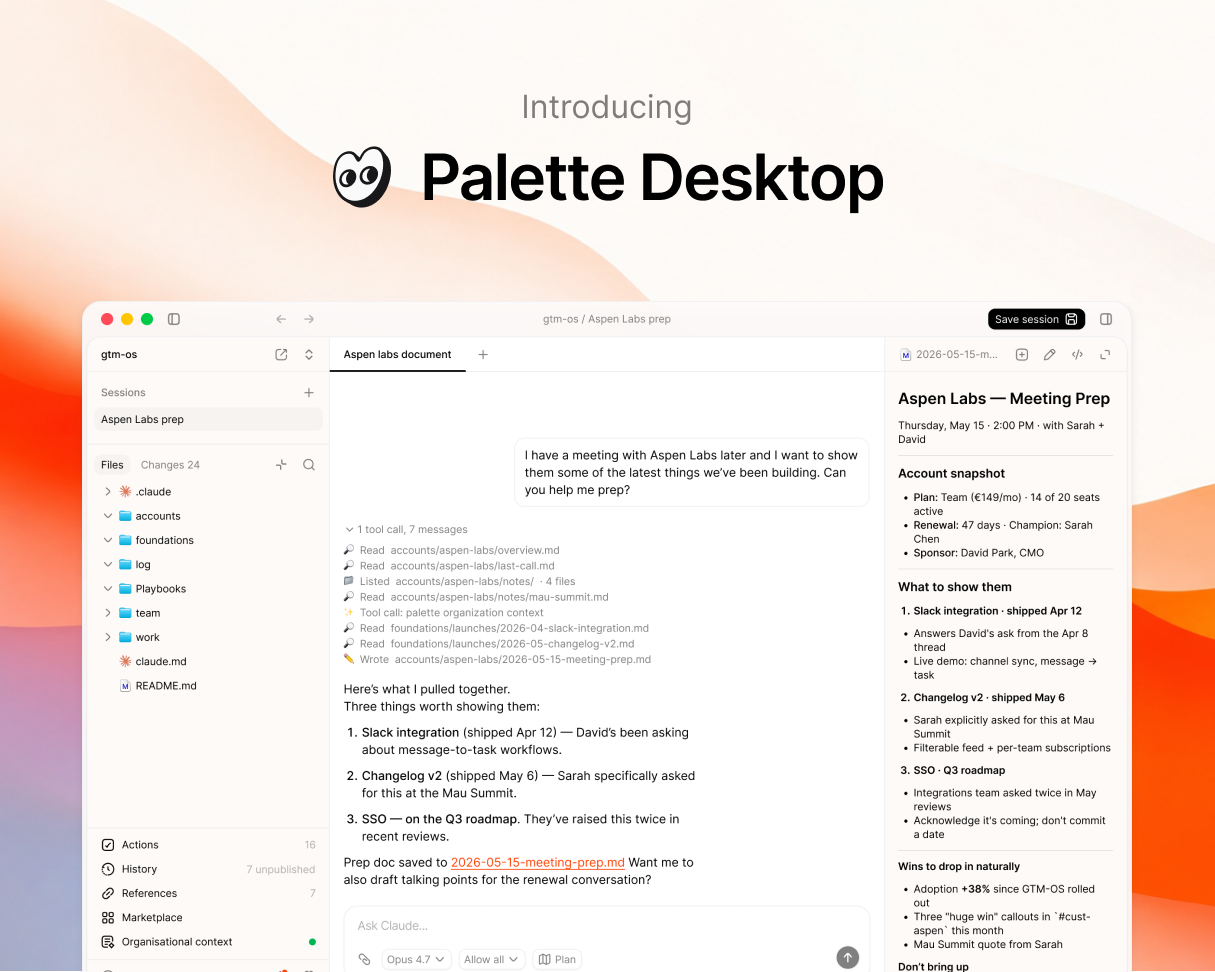
Palette Desktop is here.
It's a desktop app for running Claude Code and Codex on shared team folders. Point it at a folder on Google Drive or Dropbox, share it with your team, and the folder becomes your team's workspace. No terminal. No git. Most people are in their first session within minutes.
We've been running it internally for months and with a small group of design partners for a few weeks. We're sharing it more broadly now.
Sessions
A session is a sandboxed clone of your folder where you can work safely. Run multiple chats inside one session, each focused on a different task. When you're ready, save the whole session back to the shared folder. Reviewed, not chat-by-chat. That's how a team can share the same folder without stepping on each other.
- Multiple chats per session. Several chats in parallel, each on a different task.
- Approve changes. Every change is staged. You review before anything writes back.
- Changes history. Every change logged. Browse, compare, restore in one click.
Agent choice
Palette Desktop runs Claude Code and Codex. Switch per session. Bring your own subscription either way. Your team's context isn't locked to one AI vendor.
- Detects your agent. Palette Desktop checks for Claude Code and Codex on your machine. If you don't have one yet, it helps you install.
Templates
Open a new folder and pick a starter:
- gtm-os for go-to-market teams
- startup-os for founders
- ops-os for ops and PM teams
More on the way. You can also submit your own.
Plus
A few more features to round out the workspace:
- File viewer. Markdown and HTML render inline. Toggle to raw with one click.
- Actions list. Every command and skill in your folder, surfaced and ready to run.
- Shortcuts. Pin your most-used commands, skills, and prompts.
- Integrations. See the MCPs and integrations connected to your agents in one place.
The Palette context layer
The Palette context layer ships with Palette Desktop. It connects to the tools your team already uses (Slack, Linear, Notion, calendar, email), turns daily activity into structured signals, and serves a living map of your organization to your agents through MCP. On by default. Turn it off if you don't want it.