


You can now run local models in Palette Desktop
Palette can now run a local model through a built-in on-device agent. Starting with Qwen, it works offline, and nothing you type ever leaves your device.
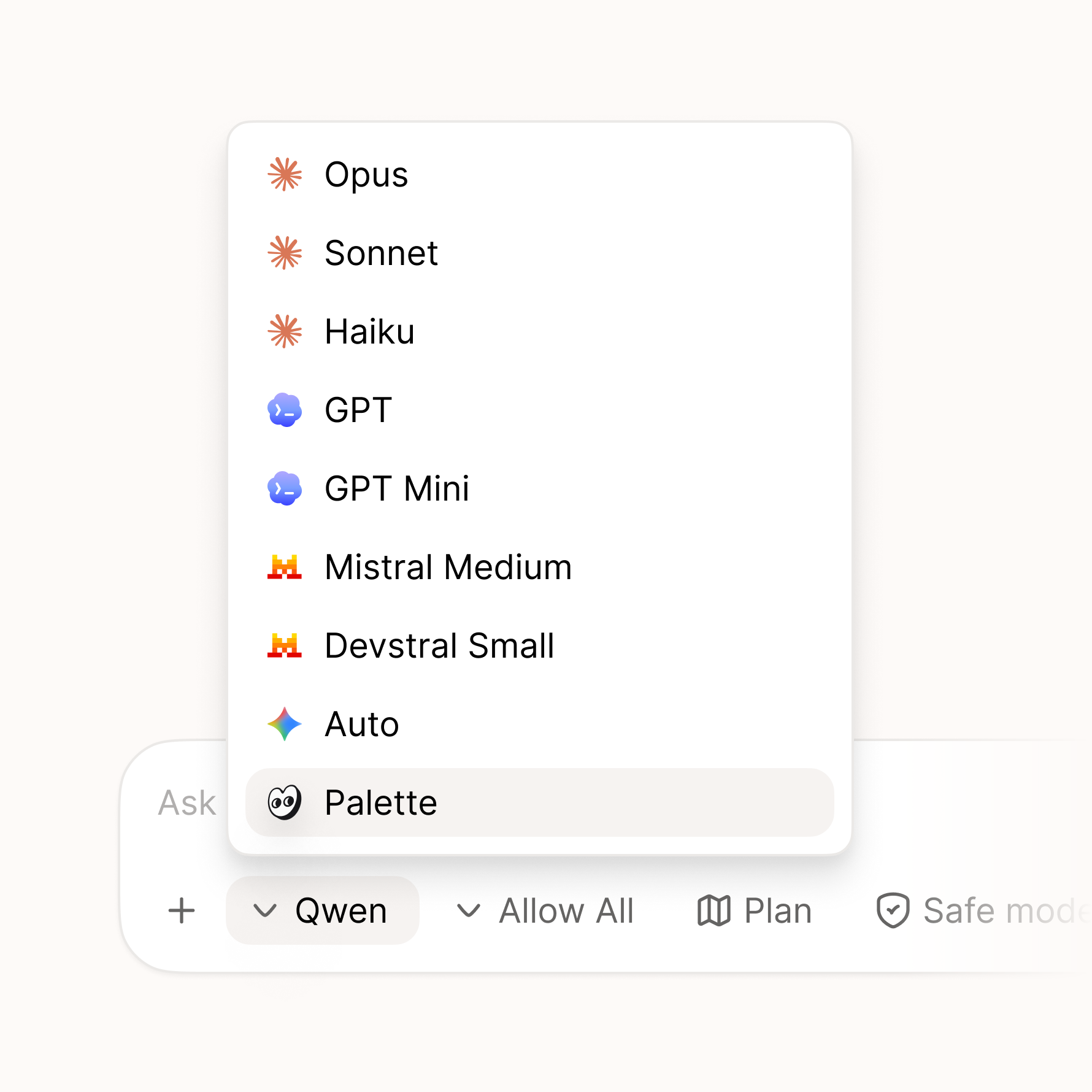
Palette Desktop can now run a local model through a built-in Palette agent. Choose a model like Qwen in Settings, then pick Palette in chat. Palette handles the setup and gives the model access to your folder with the same controls you use for other agents. No separate provider account or API key is needed for the local agent.
We're starting with Qwen, an open-source model from Alibaba. The setup is built so more local models can be added over time. When you use Palette this way, the model runs on your computer, works offline, and nothing you type leaves your device. Local models are smaller and less capable than cloud models like Claude, so they're best for everyday tasks rather than the hardest ones.
New
- Palette as a local agent — pick Palette in chat and run it locally on your computer.
- On-device model setup — download what Palette needs, choose Qwen, and manage it from Settings.
- Private and offline — while using the local Palette agent, your files and chat stay on your device and it works without a connection.
Improved
- Model defaults — set a default model in Settings, and keep different models per tab without them changing after restart.
- Install progress — local setup downloads keep going if Settings is closed, restore progress when reopened, and show a completion toast when ready.
- Context page mentions — the mention list now loads more directly and reliably.
- Update delivery — update feeds now use
dl.palette.team/desktopfor more reliable delivery.
Fixed
- Getting started — the "Help me get started" button now creates the session and sends the guide correctly.
- Plan history — plans from plan mode stay visible when you reopen a session's history.
- Tooltips — tooltips now show the current title instead of old cached text.
- Gemini errors — Gemini history and session-list errors now show readable messages.
- Claude Code install — installing Claude Code through Palette works better on machines without Node installed.
You can update from Settings. After updating, go to Settings → Agents → Palette to try the local setup.