

Monthly recap: October 2026
October was about getting to work faster. Every workspace opens on Home, you can bring in what your AI already knows, and see at a glance which chat needs you.
Start from Home
Home replaces the empty chat you used to land on. A short checklist gets you set up, and six starting points come with the request already written, so you can see what Palette does in one click.
Home is also where you bring in what you already know. Drop in files, pick pages from Google Drive, Notion or Slack, or copy one prompt into ChatGPT, Claude or Gemini and paste the answer back. Palette suggests where each piece belongs in your workspace, and nothing lands until you say yes.
What else is new
See which chat needs you
Every chat and tab now shows what it needs from you: a question, an approval or a conflict. One look tells you where to go next, instead of clicking through every chat to check.
Know what your agent is doing
While the agent works, the line above its activity says what it's working on, like "Preparing a draft", instead of which file it opened. When it's done, it tells you what changed and what to do next.
Make room for your work
Hide the sidebar or the inspector with one click, make the inspector as wide as you need, and Palette remembers your layout. On a small screen, a hidden panel slides in when you need it.
How Palette uses Palette
We run Palette on Palette. Each month, one of us shows how. This month: Kaspar-Jon and how he turns every piece of customer feedback into something the whole team can use:
"Every time a customer tells us something, one slash command turns it into context the whole team can use. It saves their words exactly as they said them, adds each one to the right feature request, pain point or use case, so we can see how many customers asked for the same thing, and drafts the post for our feedback channel. The strongest quotes go into our customer proof bank. One rule it can't break: No quote gets used until the customer says yes. Nothing gets posted without Kaspar-Jon in the loop."
Out and about
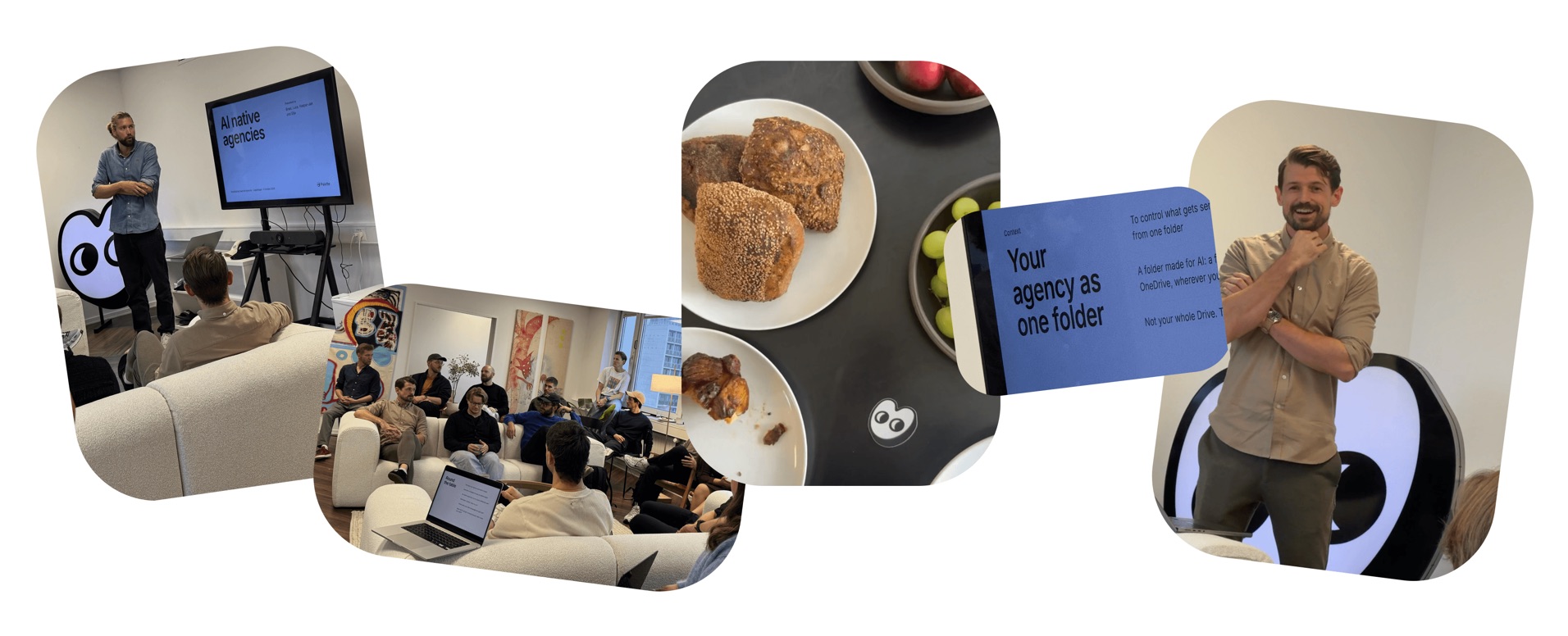
Palette Breakfast: Agencies
On 8 October, we invited agency people to our office in Copenhagen for coffee, pastries and a morning about giving AI the right context. We showed Agency OS, and Daniel from Abtion opened up his own setup to show how his team runs client work in Palette.
Show Don't Hype: Agentic Design
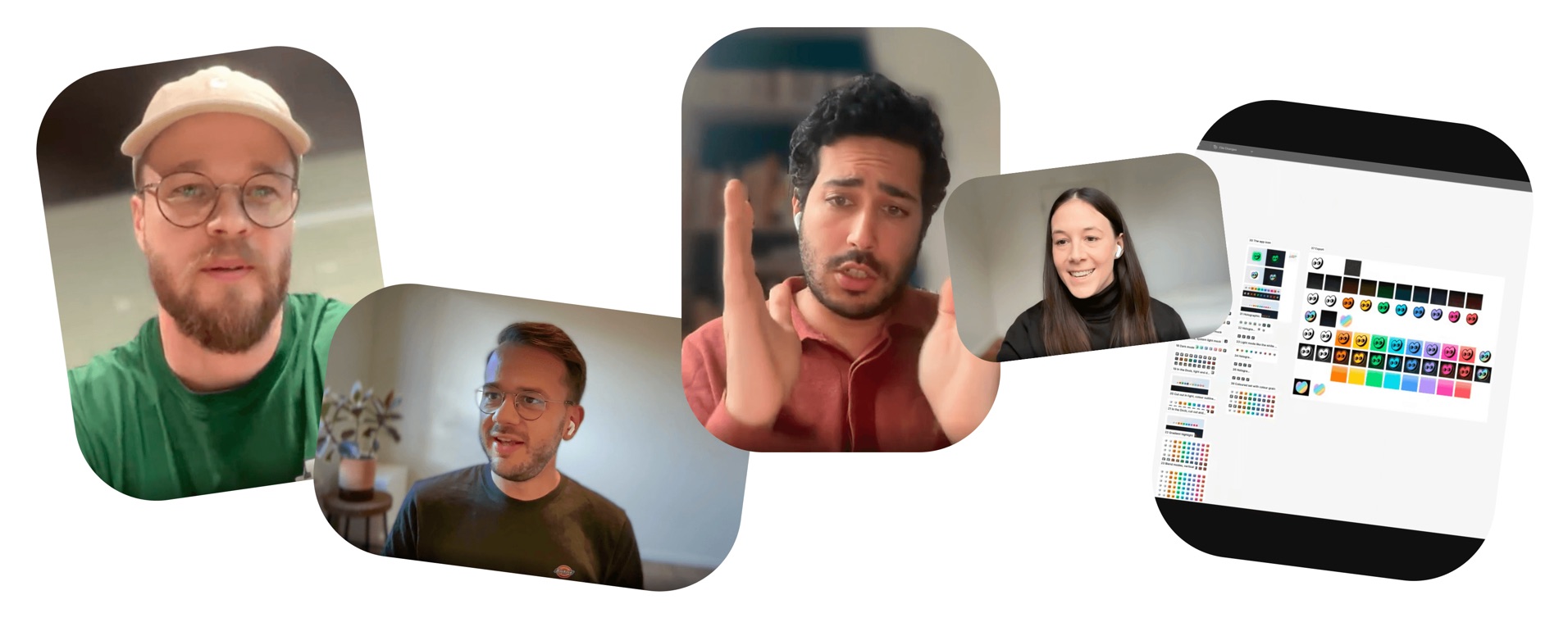
On 27 October, we teamed up with Gladia and Zero for the first Show Don't Hype: no slides, just three founding designers sharing their screens. Søren Clausen from Palette showed how he designs with AI without losing his own taste, Niko Salkola from Zero built Zero's end-of-trial recap himself, and Farouk Tahri from Gladia turned a single design file into a design system anyone at Gladia can use.
Never miss a Palette event again →
Famous last words
"Just tried the latest Palette update, and I love the new home page! Nice work 🙌"
Jannick Holm, Senior Software Engineer, Abtion
New to Palette Desktop? Download it here.