


Gemini and one-click installs for every agent
Gemini joins Claude Code, Codex, and Mistral, every provider is now a one-click install, and early HTML sharing and handoffs make work easier to pass on.
Last updated
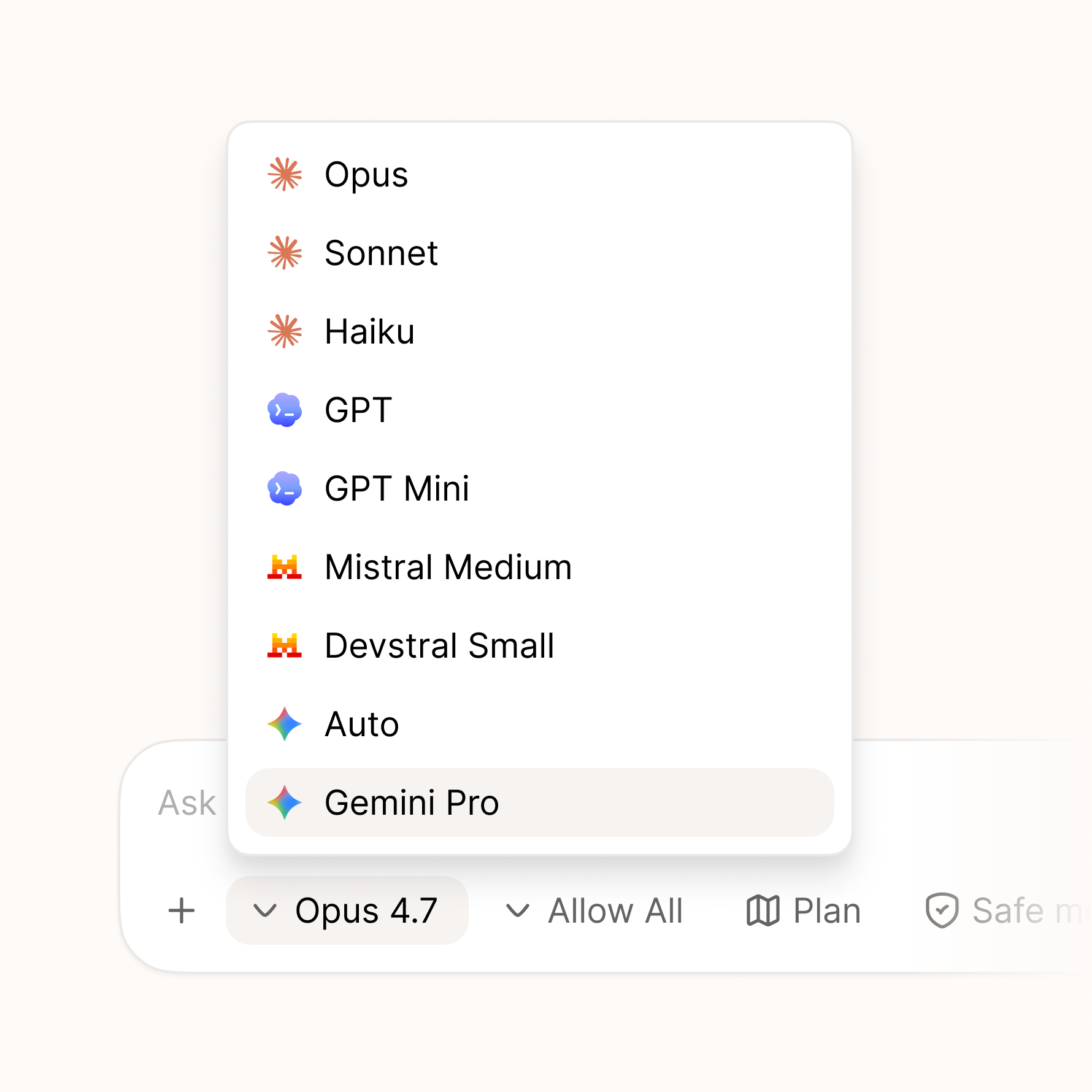
Another big release, with a lot packed in. The headline: Palette now supports Gemini, joining Claude Code, Codex, and Mistral — and getting any of them set up is now a single click. If you don't have a provider installed yet, Palette handles the setup for you, and for each one you choose whether to run it on your subscription or your own API key. A new person can be up and running in seconds instead of wrestling with a terminal.
Two more features we're excited about have also landed: HTML sharing and handoffs. Both are early, and each gets its own closer look in the next couple of weeks.
New
- Gemini support — Gemini is now available as a provider, joining Claude Code, Codex, and Mistral.
- One-click provider install — run any of them in Palette. If you don't have a provider installed yet, it's a single click and Palette sets it up for you, no terminal required.
- Subscription or API mode — for each provider, choose whether to run it on your subscription or your own API key.
- HTML sharing — share your work as a styled HTML page that anyone can open and comment on, even if they don't use Palette. A closer look coming in its own update shortly.
- Handoffs — hand off a piece of work to a teammate with the files and full chat context attached, so they pick up right where you left off. More on this in its own update shortly.
- Rich markdown editing — edit
.mdfiles in a what-you-see-is-what-you-get editor, and copy their markdown from the sidebar. - Interface zoom — zoom the whole interface in and out across every window.
- License viewer — browse the open-source license attributions from inside the app.
Improved
- Automatic Git setup — if you don't have Git installed, Palette now installs it for you, so you're ready to go without any setup.
- Redesigned settings — a cleaner two-pane layout with a category rail alongside the content.
- Smarter checkpoints — manual file operations and edits made outside the app are now captured in your history.
- Turn file links — file pills in a turn now open the file directly instead of the checkpoint.
Fixed
- Zoom shortcuts — Cmd +, Cmd -, and Cmd 0 now work regardless of your keyboard layout.
- Markdown edits on switch — your changes are no longer lost when switching between sessions.
- Unsaved drafts — drafts are now preserved when you update a session.
- Signed commits — Palette's internal commits are never GPG-signed, so they no longer fail for some setups.
- Sharing feedback — now opens an in-app survey instead of leaving the app.
Download now or update to the latest in your settings. Let us know what feels better and what doesn't.